Intel D945GCPE (Intel 945GC)
Author:
Date: 20.09.2007 |
|
Intel D945GCPE - Layout and Features
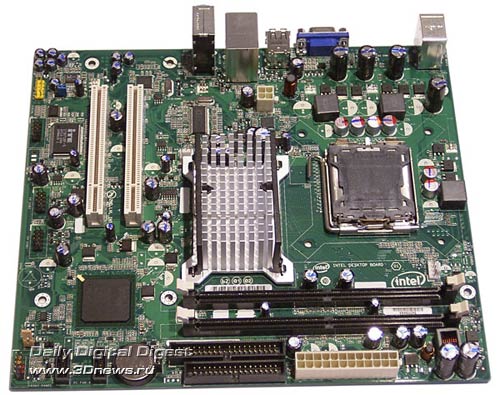
There is nothing to complain about the design of the board - they can't be there in this price sector.
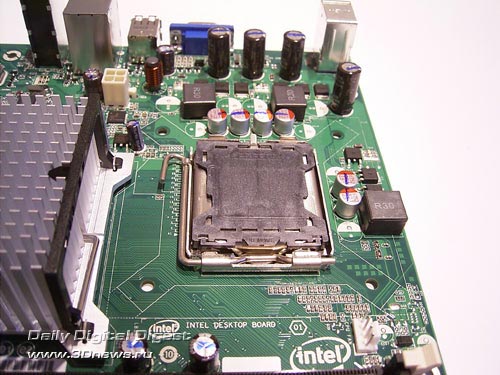
Near the CPU socket, there is a 4-pin connector to plug in a CPU cooler.
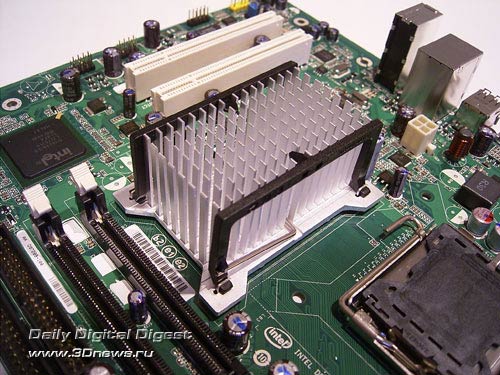
Besides it, there is one more 3-pin connector: Rear_Fan in the center of the board. In fact, it is not used since there is a rather massive radiator on the north bridge:
In any case, the large dimensions of the radiator is a specific feature of Intel motherboards (especially those featuring integrated video core).
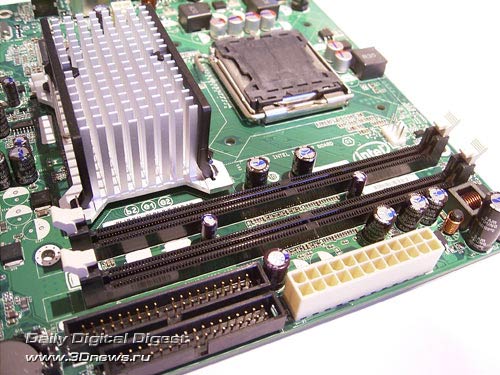
Under the north bridge, there are two 240-pin DIMM slots for DDR2 memory modules.
The board supports DDR2-533/667 memory, and the maximum memory capacity makes 2 GB. Once voltage is applied to the motherboard, a greed LED lights up.
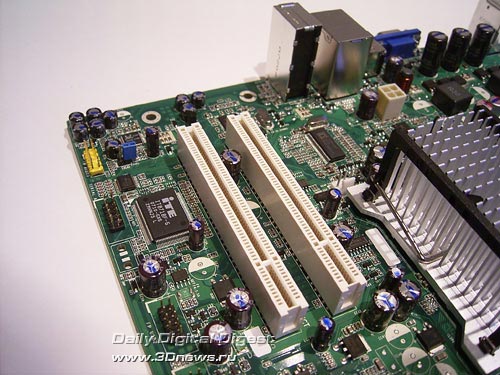
There is no PCI Express x16 slot onboard, which prevents it from installing a modern video card.
In fact, Intel D945GCPE uses two "regular" PCI slots, so there are some expansion options.
Expansion options
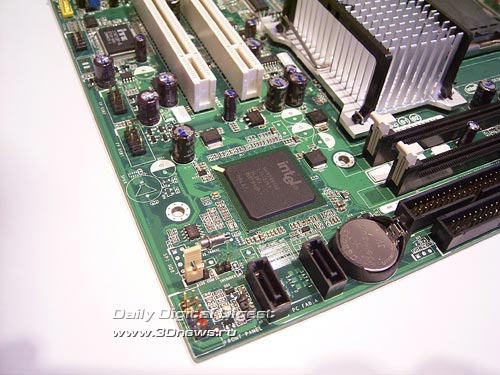
Intel D945GCPE uses the ICH7 south bridge without a radiator. Therefore, the board offers support for 2 SerialATA II ports:
The same chip provides support for an additional ParallelATA line.
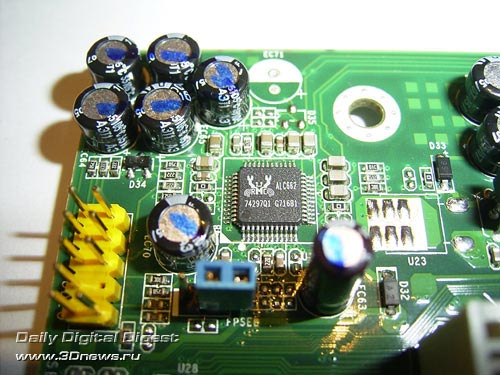
Then, there are eight USB2.0 ports onboard. Four of them are on the rear panel, with 4 more plugged in with brackets. Intel D945GCPE offers onboard four-channel integrated HDA, with the ALC662 chip used as the codec.
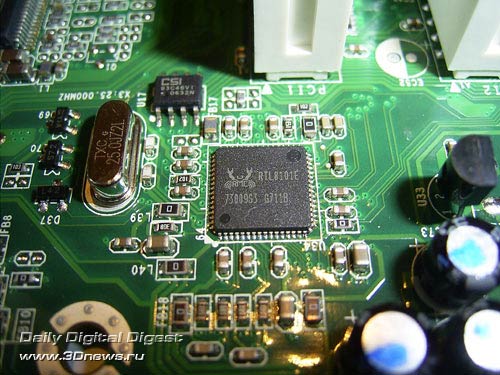
A few words on the network support: the board uses a 10/100 Mbit Ethernet RTL8101E LAN controller by Realtek.
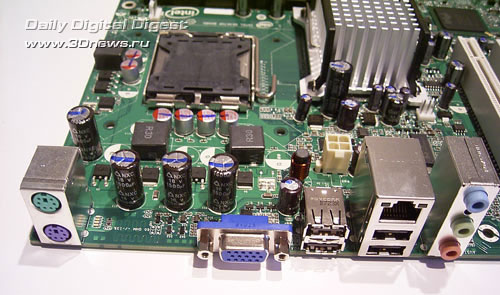
The board's rear panel has the following configuration.
Intel D945GCPE uses only one jumper (in the bottom left corner of the board) which is meant to control the BIOS settings. In the nominal position (1-2), the system starts up normally; in the (2-3) position we immediately get into the BIOS regardless of any settings (including the memory latency timings). The user can also change any passwords. But if we leave the jumper completely open, then the "BIOS recovery from diskette" function will snap on.
Now on to the BIOS settings.
 |
Content: |
 |
|
|
Top Stories: |
|
 |
|
MoBo:
|
|
|
|
VGA Card:
|
|
|
|
CPU & Memory:
|
|
|