Asus P4P800-E Deluxe (i865PE Springdale)
BIOS
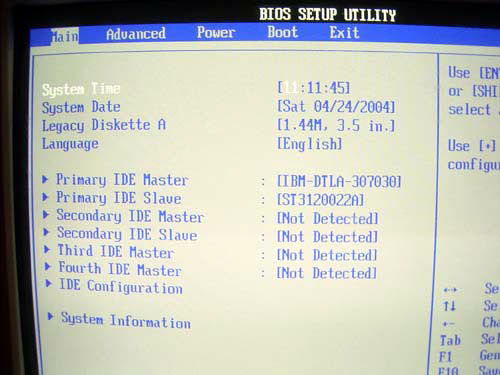
Although based on the AMI Bios, the GUI of the board's BIOS screen hasn't undergone much changes as compared to that of Asus P4P800.
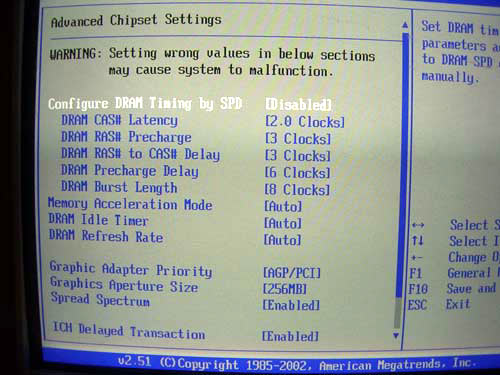
Let's move straight on to the section dealing with the RAM operating parameters.
As we can see, Asustek gives the users standard options for tweaking the memory timings (accessible is the "SDRAM Cas Latency", "Precharge to Active"(Trp), "Active to precharge" (Tras) and "Active to CMD"(Trcd)). Additionally, a very interesting parameter - "Memory Acceleration Mode" - has been added which, as per Asustek's representatives, includes the PAT mode. Let me remind you that as per Intel the PAT mode is accessible solely on the 875P Canterwood chipset which gives a 3-5% performance boost. Let's verify this assumption in the section to do with performance.
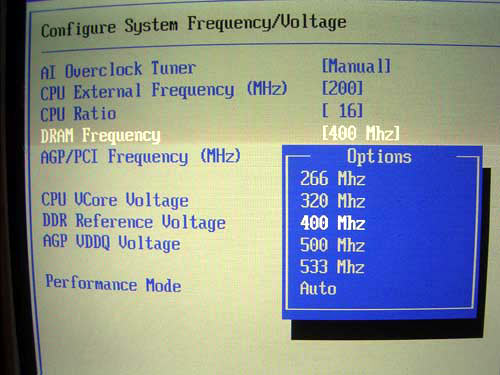
But the parameter responsible for setting the memory frequency is in the other section together with the overclocking tools.
Of course, the above parameters are not the absolute values of the memory frequency, but memory divisors at FSB=200(800QP) MHz. That is, if the user sets the memory speed to "DDR400" (1:1) and then increased FSB to 250 MHz, then the memory speed will be 250 MHz respectively (DDR500; of course if the system starts up). That is, if you use memory of dubious quality, it's better to leave the synchronous mode as is, and use reducing memory divisors 2/3 and 4/5. By the way, the drop of performance in these modes is insignificant, and can be made up for with setting more demanding latency timings. Those who are keen about that read the relevant material.
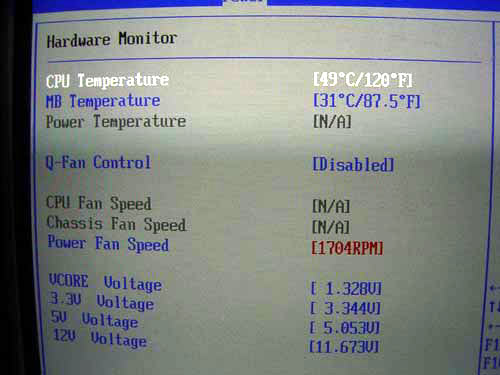
A few notes on the system monitoring.
The feature-set is standard - monitored are the rotational speeds of the three fans, the processor and system temperatures, as well as the temperature read from the external sensor.
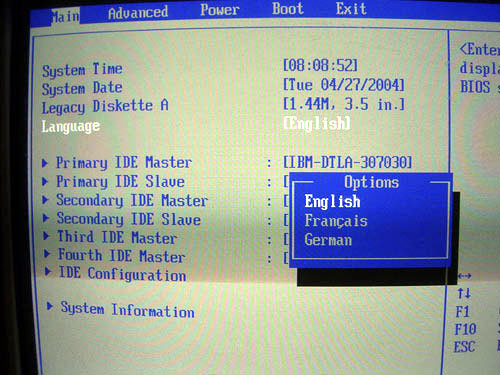
There is one more function - the BIOS settings can be displayed in multiple languages:
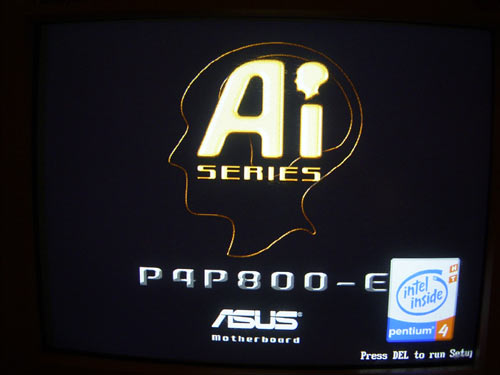
Besides, there's also the MyLogo function which allows changing the boot-up image.
Owing to the great BIOS capacity (4 Mbit), the board supports the MyLogo 2 function which allows using 256-color images.
 |
Content: |
 |
|
|
Top Stories: |
|
 |
|
MoBo:
|
|
|
|
VGA Card:
|
|
|
|
CPU & Memory:
|
|
|