ASUS P5E3 Deluxe vs. ASUS Maximus Extreme
Author:
Date: 17.01.2008 |
|
Layout and Features
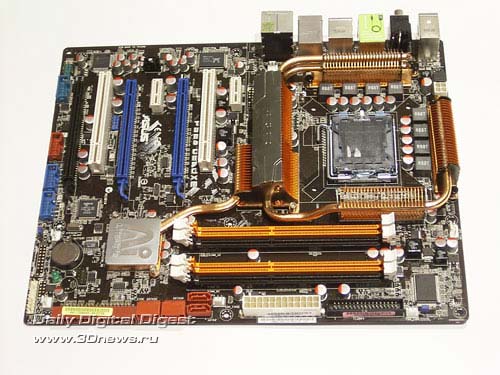
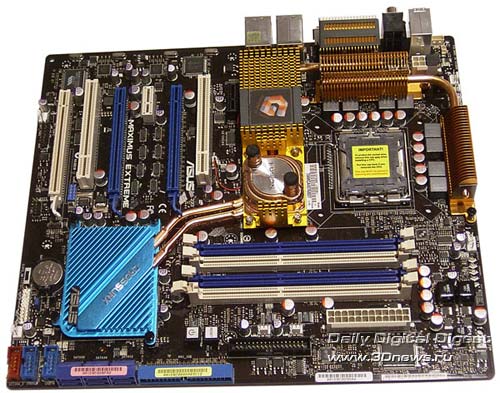
The first thing what catches the eye is the huge dimensions of ASUS Maximus Extreme. And that has not misled our eyes - it is an inch larger (269x305 mm):
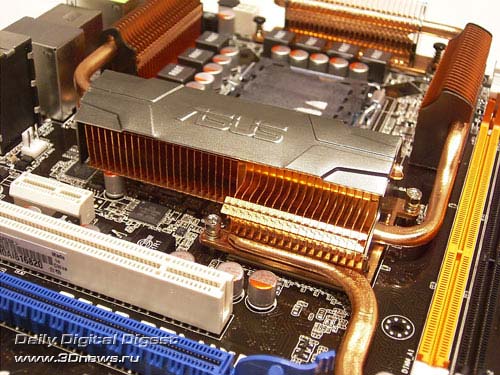
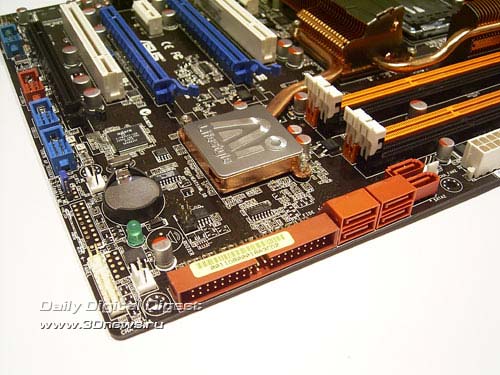
We are already used to massive cooling systems mounted on ASUS' top-end boards. And P5E3 Deluxe is no exception: radiators are around the CPU connector from all the sides.
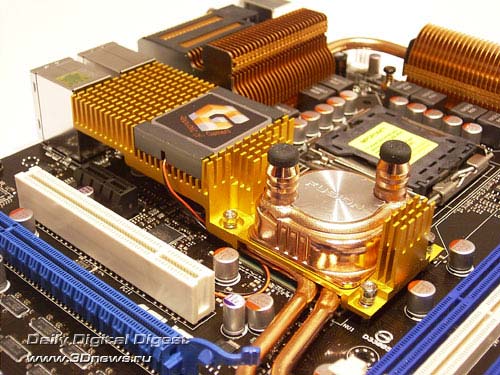
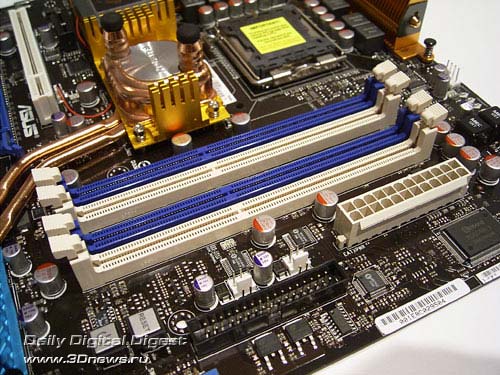
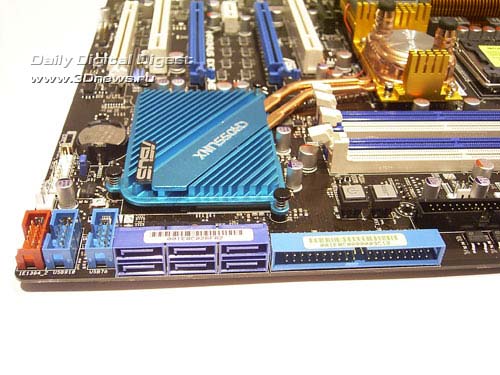
But cooling of the Maximus board is even more advanced: on the north bridge of the chipset, there is a water block combined with a really huge radiator. Therefore, even without a water-powered cooling system the temperature of the chipset stays within acceptable limits. By the way, this radiator uses a rectangular unit with a Republic of Gamers logo which is highlighted effectively.
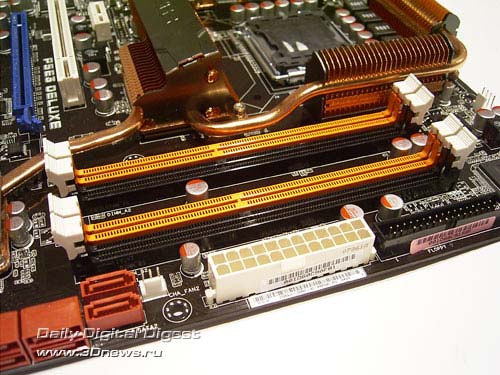
Each motherboard has four 240-pin DIMM slots each for DDR3 memory modules, with the overall supported memory capacity being 8 GB.
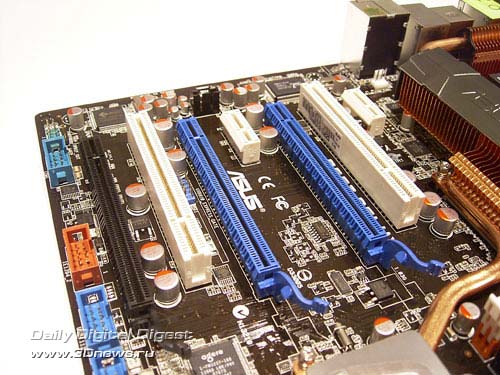
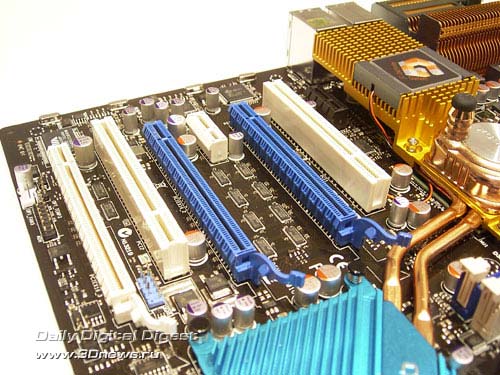
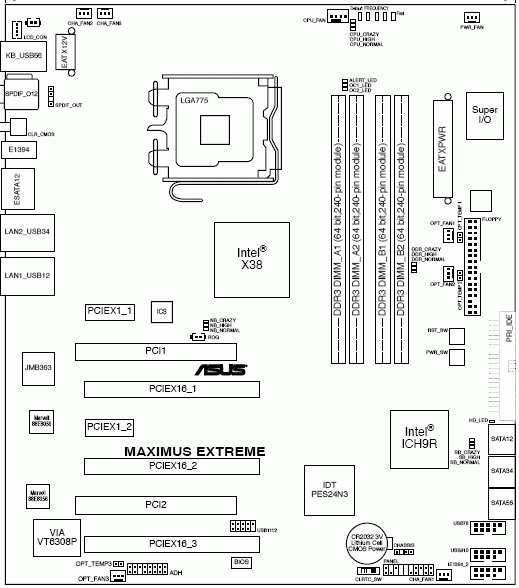
The configuration of the slots is identical for both the boards. These are three PCI Express x16 slots, two PCI Express x1, and two regular PCI slots.
The PCI Express bus lanes are distributed as follows. If two video cards are installed, 16 lanes is allocated to each. If three video cards is installed, the lanes are distributed following the 16+16+4 scheme. Besides, the Maximus Extreme board offers the 16+8+8 configuration owing to the Crosslinx configuration.
Both the motherboards use the ICH9R south bridge with a radiator. In the end, both the boards offer support for six SerialATA II ports located near the south bridge.
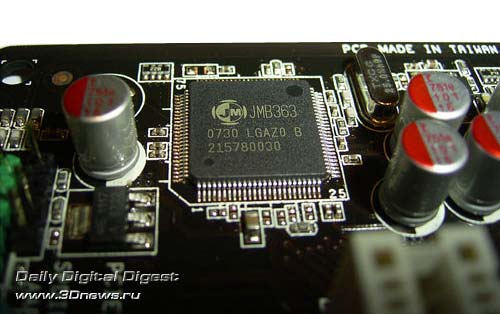
Besides, the boards use an additional ParallelATA/SerialATA JMB363 controller.
This chip supports one ParallelATA and two SerialATA II links (on both the boards, the SATA ports are brought over to the rear panel). Therefore, to each of the boards the user can plug in ten hard disks (eight SATA + two PATA).
Then, the south bridge ICH9R supports 12 USB2.0 ports. They are implemented as per the following scheme: six integrated ports (on the rear panel) + 6 additional (plugged in with brackets; the board comes bundled with 1 plate for 2 ports).
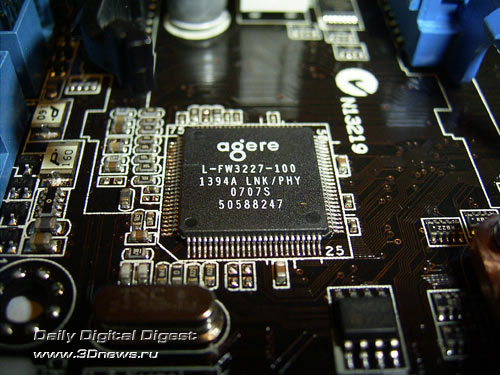
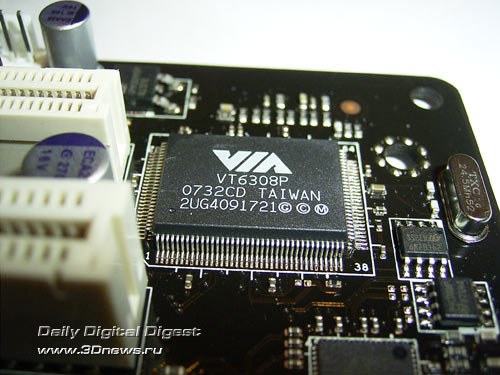
Besides, both boards support the Firewire. For that, there is an additional controller. On the ASUS P5E3 Deluxe board it is a FW3227 chip made by Agere, and on the ASUS Maximus Extreme - a VT6308P chip made by VIA.
In the end, the motherboards support two ports each, with the layout being similar: one mounted on the rear panel, with the other ones connected with a bracket (available in the package bundle of both the boards).
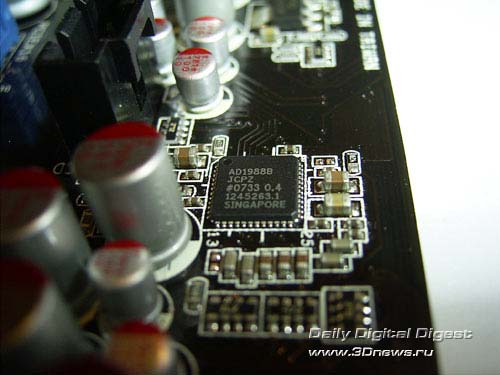
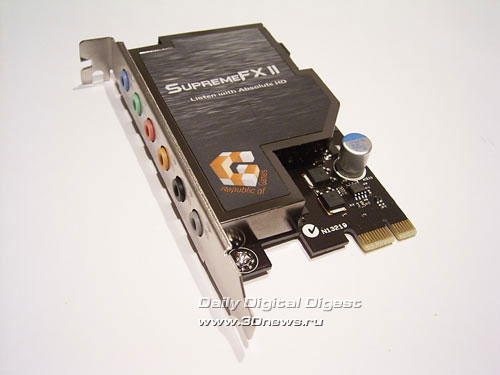
The motherboards implement the Intel High Definition Audio subsystem: ASUS P5E3 Deluxe uses an AD1988B chip, and ASUS Maximus Extreme - the same chip but installed on a separate board with a special screen protecting against induction.
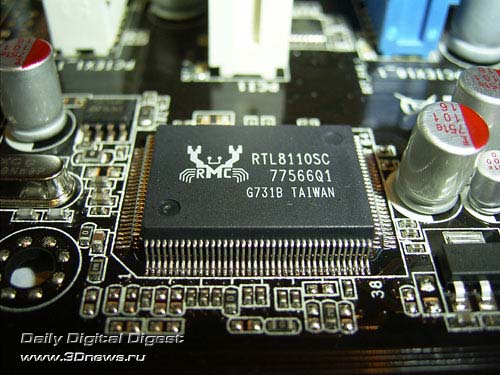
A few words on the network support: each of the boards uses two Gigabit LAN controllers. In particular, on ASUS P5E3 Deluxe these are Marvell 88E8056 (PCI Express x1) and Realtek 8110SC (PCI) chips,
and on the ASUS Maximus Extreme - two Marvell 88E8056 (PCI Express x1) controllers.
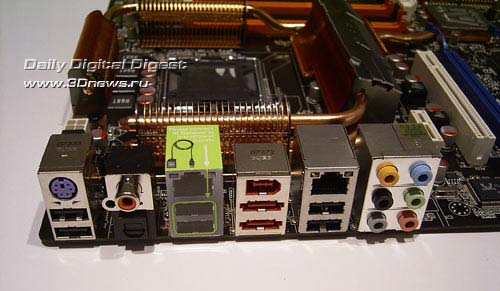
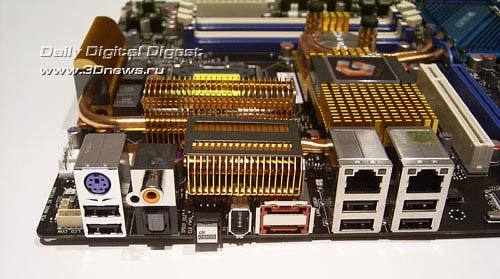
The board's rear panel is of the following configuration:
In terms of functionality, both the panels are similar: there is an optical and coaxial SP-DIF outputs, a Firewire port, a couple of SATAII ports, and six USB 2.0 ports. On the Maximus Extreme board, there is a button to clear the CMOS settings (works only at a certain position of the CLRTC_SW switch), a connector to plug in the LCD-Poster, and in the upper part there is one of the radiators.
You can also notice a complete lack of LPT and COM ports. However, ASUS P5E3 Deluxe supports one serial port (COM) but implemented with a bracket (missing in the bundle).
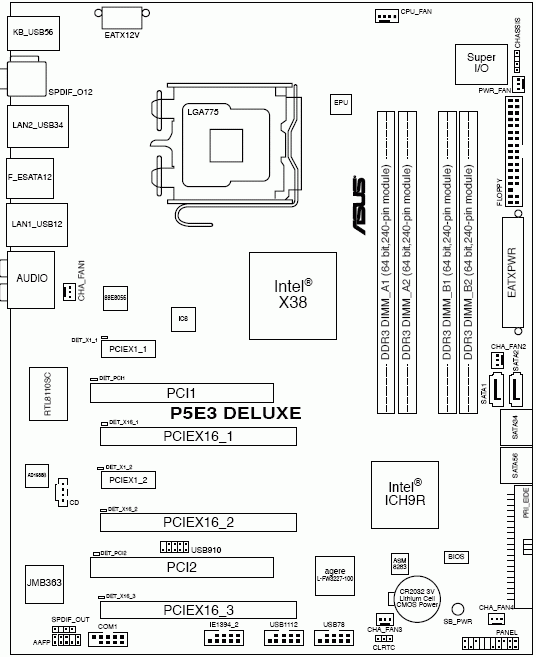
Here is a schematical drawing of the motherboards:
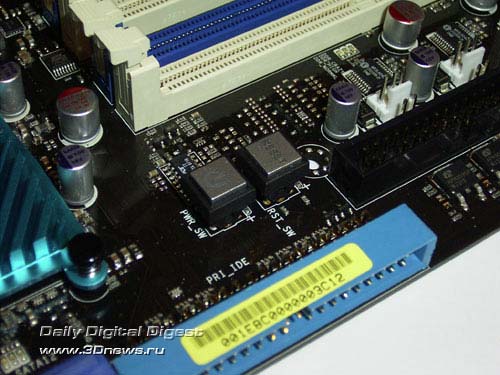
Among the special traits of the board, we note only the three buttons: Power, Reset, and ClrCMOS which are installed on the Maximus board and are meant to start up, reboot the system, and to clear the CMOS settings. The first two buttons are positioned near the DIMM slots:
Now on to the BIOS settings.
 |
Content: |
 |
|
|
Top Stories: |
|
 |
|
MoBo:
|
|
|
|
VGA Card:
|
|
|
|
CPU & Memory:
|
|
|